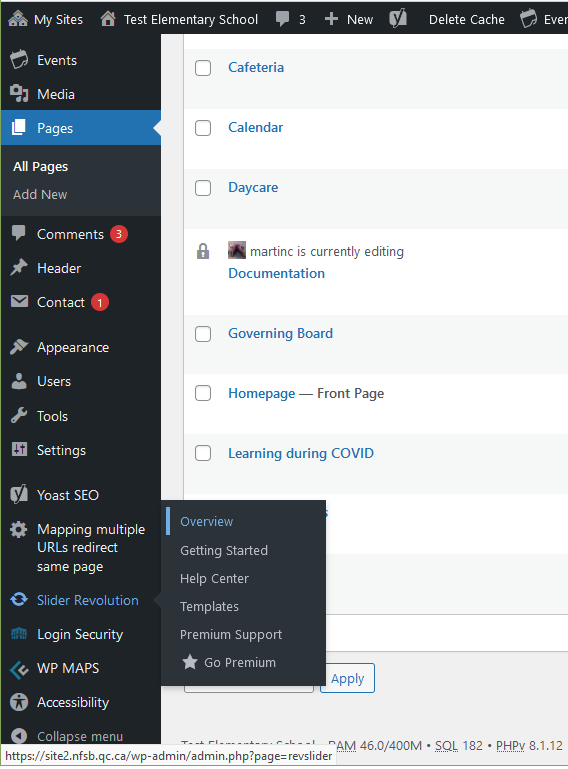
Go to the following page: /nfsblogin
Test site: https://site2.nfsb.qc.ca/wplogin
Administrator’s email: martinc@propage.ca
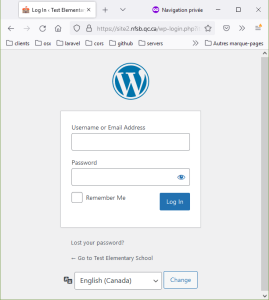
3. Check your email
enter your email and click on GET NEW PASSWORD
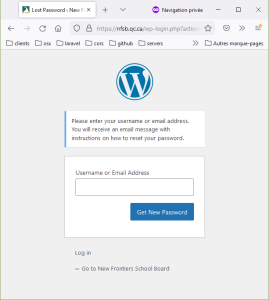
4. You will see this screen:
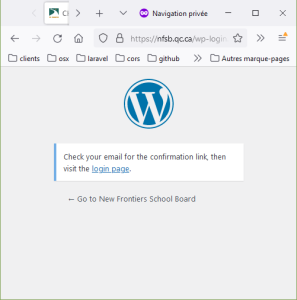
5. Check your email and click on link to reset your password
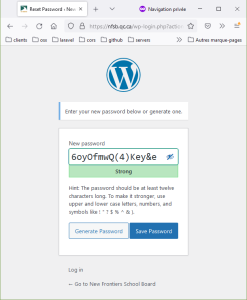
Note on the password:
6. Copy the password
7. Click on SAVE PASSWORD
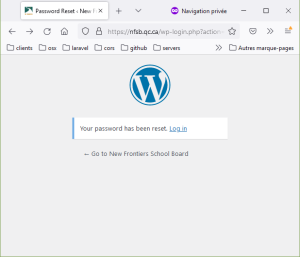
8. Click on the LOG IN link
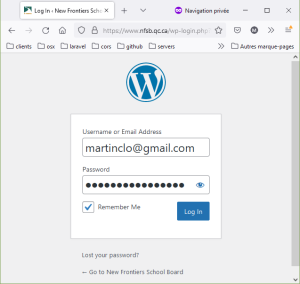
9. enter your username (or email) and saved password
Important menu items:
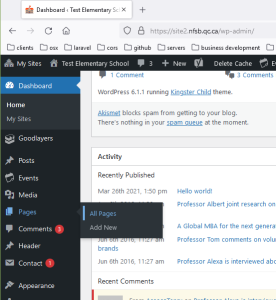
2. click on the name of the page you want to edit
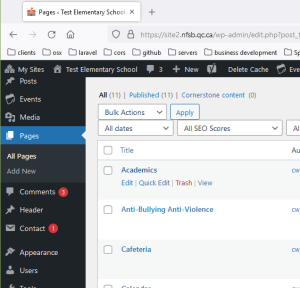
2. Click on “Add New” on top of the page
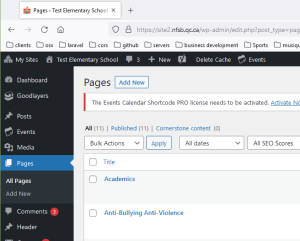
3. Add page title
4. Scroll down to the “Page builder” area
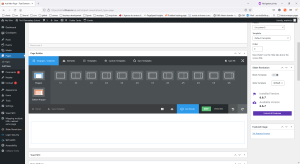
5. Add a Wrapper or Column(s) section
You will see the Wrapper or Column appear below
6. Add elements
and then
Click on the PUBLISH button at the top / right of the page.
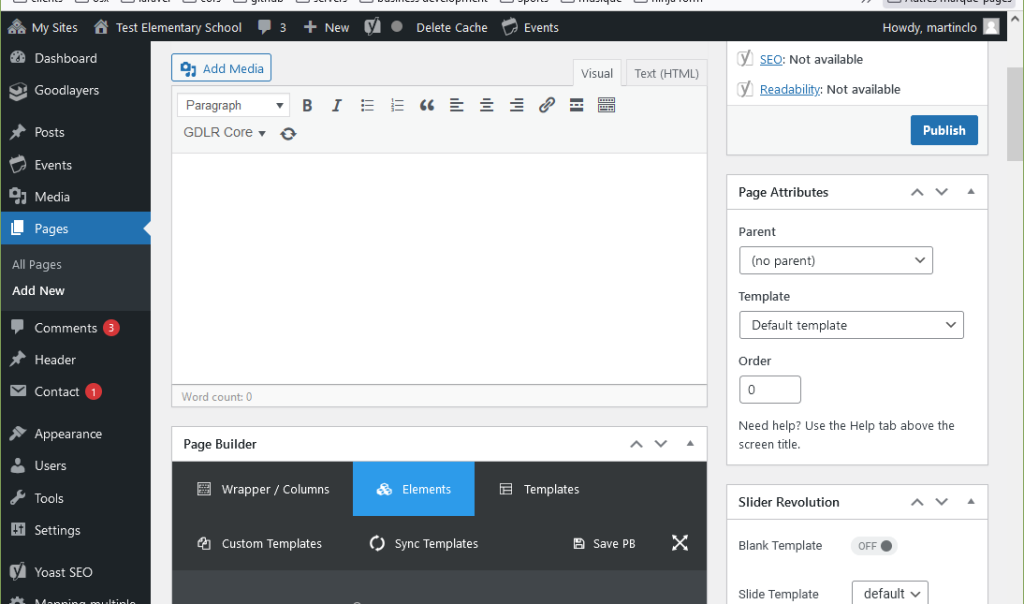
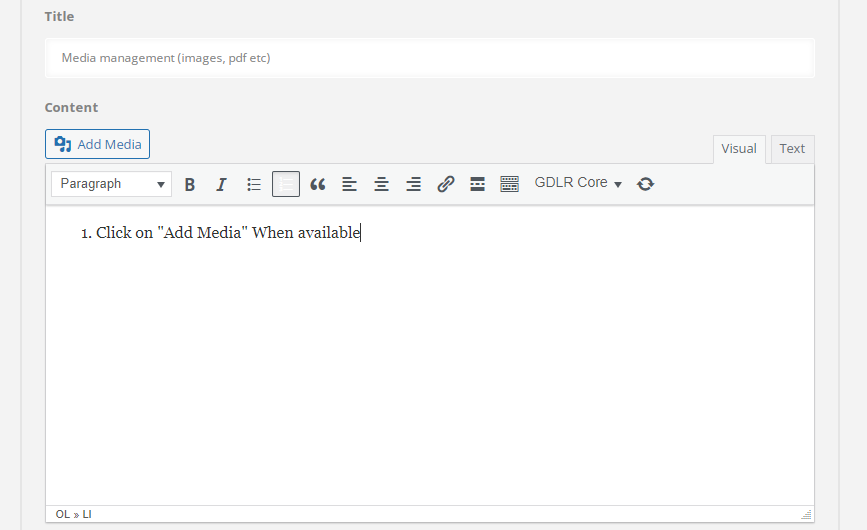
1. Click on “Add Media” button when available
2. A media window will open
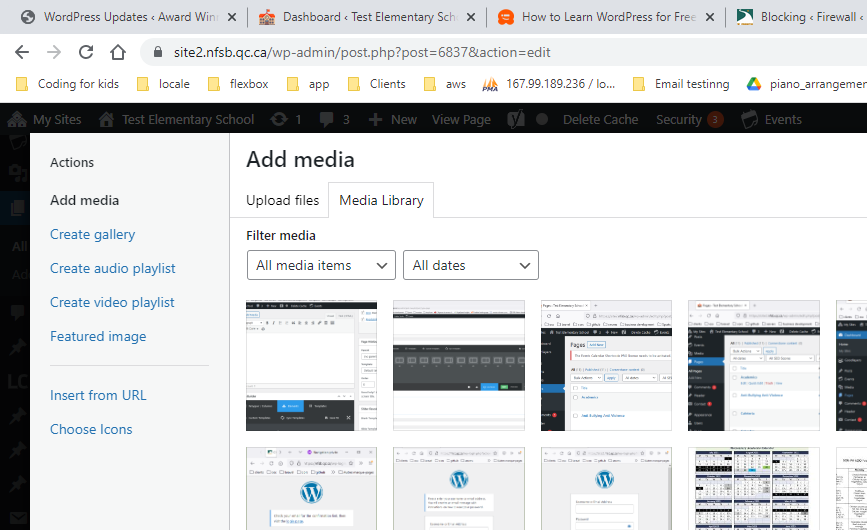
3. Accessign the media library:
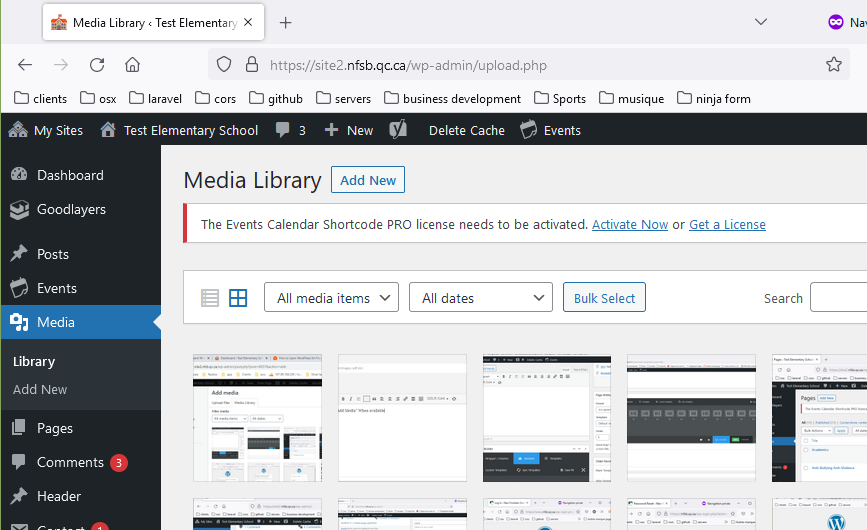
You can access the library by clickin on media link in the main left menu bar:
Go to Appearance->Menu
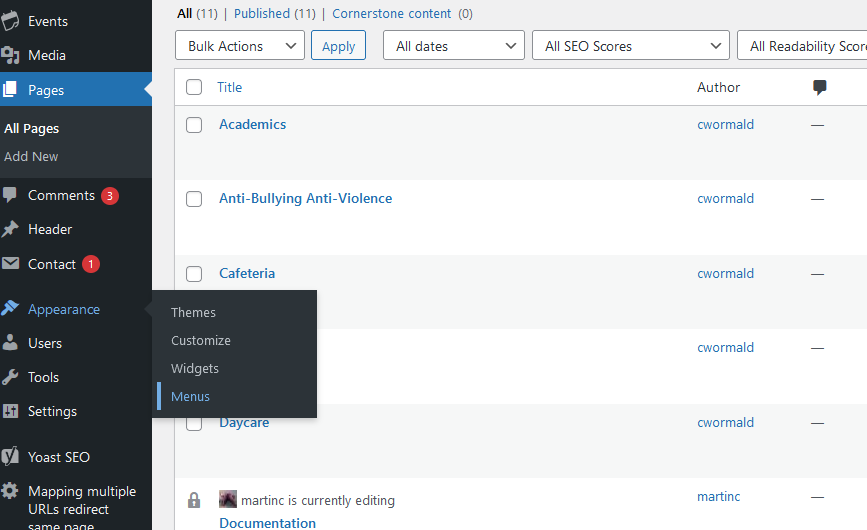
2. Select the menu you want to modify and then press SELECT
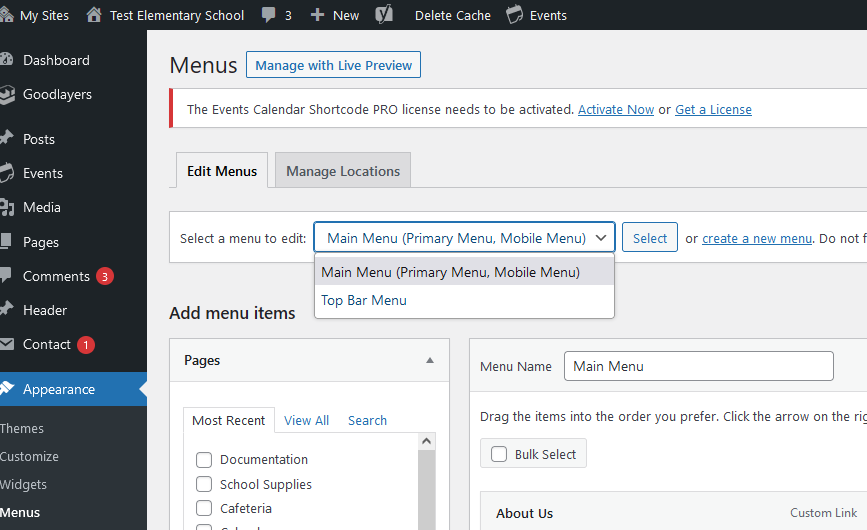
You can now:
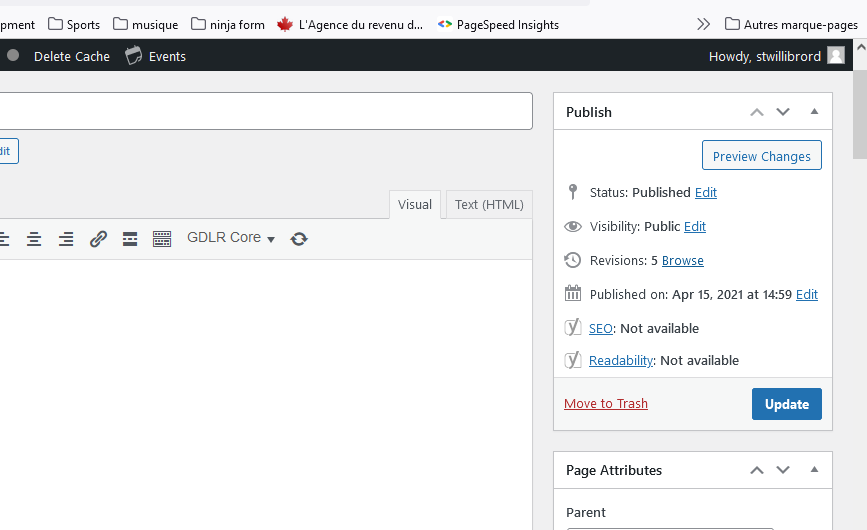
click on the Revisions: Browse link on the right hand side:
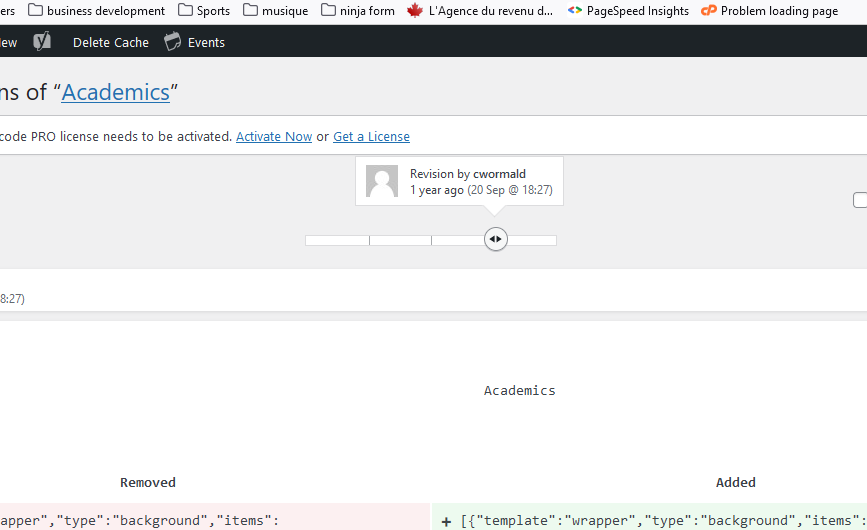
You can use the top slider to return back to a previous version of the page:
Sometime you do not see the change that you just did. This may be due to the “Caching” of the website.
Caching is necessary to improve the speed of the website and sometime need to be refreshed.
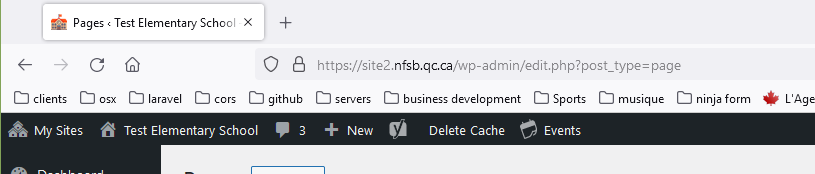
Just click on the to “DELETE CACHE” button in the black bar.
You can access the front page slider using the Slider Revolution link in the left menu bar: